
To view this on the COS website, click here nh-rmh-making-nh-subpagedirectory-web-page
To download the pdf file from the COS website, click here Making_SubPage_Directory_Template.pdf
NH RMH Making NH SubPageDirectory Web Page
Version 230420
Attachment: 3605/MakingSubPageDirectoryTemplate.pdf
|

GUIDELINES FOR MAKING A NH COS SUB PAGE DIRECTORY TEMPLATE
Version (230420)
Based on a Read Only COS SUBPAGE MASTER from NH WebMaster
Contact Bob
to get Page updated in Webmaster Spreadsheet. Will also assign Page Name for
design.
Login to COS and open Dashboard/CB/Content/Pages
Click to Add A Page
Enter title with format: NH PAGE NAME.
Type TEST in body of page.
Click on Source Code icon
and confirm HTML code is there.
o
Save page. This will make a URL to be used by future web page links.
Check DIRECT URL in left side bar.
o
Can click on Edit for easier reading.
DO NOT CHANGE IT
Go to top of page in blue bar and Preview Changes.
Page will open in browser. Confirm Title, and sidebars, header, and footer are showing.
Close browser tab and return to Page Editor.
Delete “TEST”, and use Source code button to confirm the area is blank.
Open COSSubPageMaster230416.htm file in a
Text Editor
program. Opening in an editor
that does formatting will damage the code
In Windows system use NotePad, or Mac systems use TextEdit. . (Contact Bob for TextPad, an
excellent Windows text editor program).Copy the whole document code from this file onto the
Clipboard and Paste the Clipboard into Source Code Window. Verify the code is there (hundreds
of lines):
Click Save to keep the Source Code.
Move to Editor region and scroll thru Editor Window to confirm code is working. You will see the
working area for designing tools.
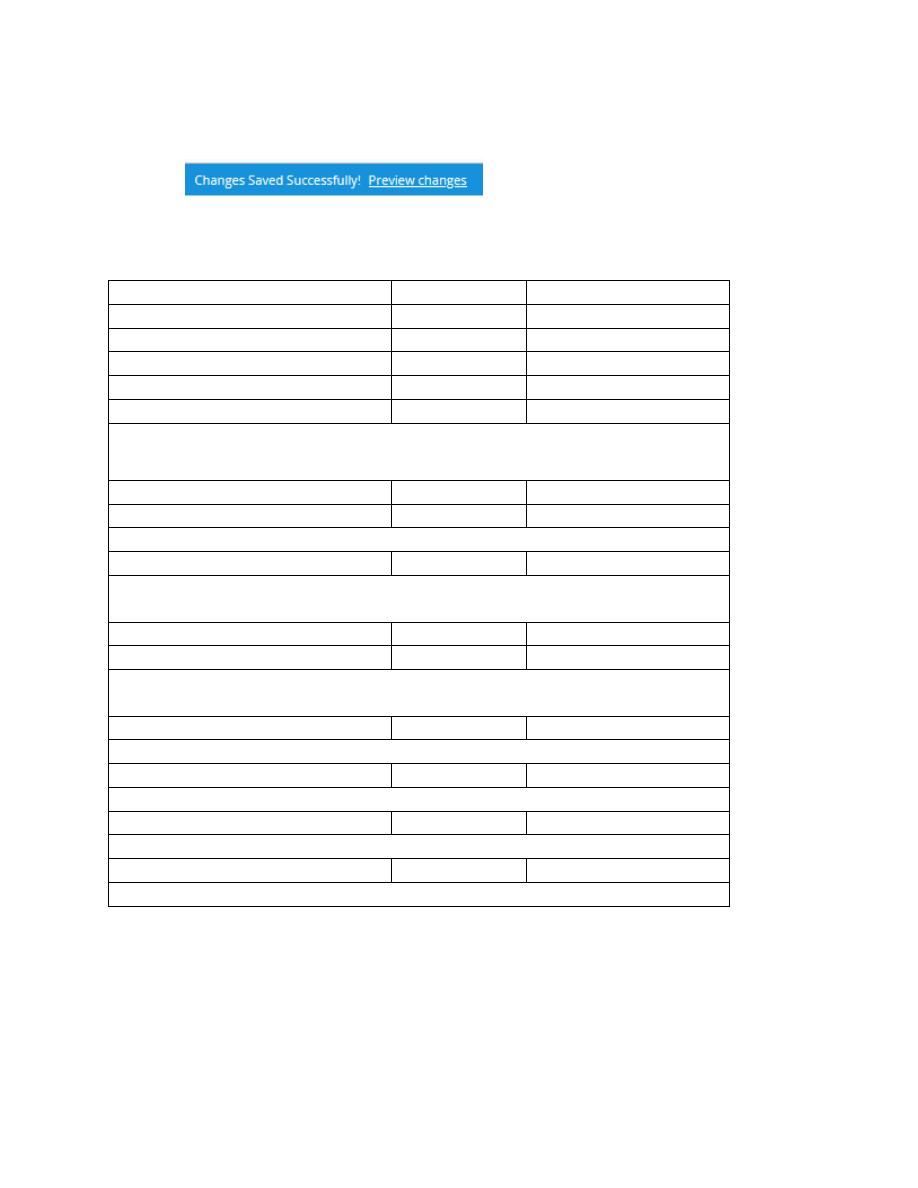
Click Save at bottom right of screen, and at the top of screen click on the blue link to Preview
changes.
Next we will make changes to some default values. There are only three values to modify from
the defaults: DISPLAY, EXPIRATION and SUPPRESS SIDEBAR.
SETTING
VALUE
ACTION
DISPLAY (Make it centered)
YES
ADD CHECKMARK
PARENT PAGE(OPTIONAL)
blank
DO NOT CHANGE
HIGH PRIORITY
blank
DO NOT CHANGE
GEO PERMISSIONS
blank
DO NOT CHANGE
ROLE PERMISSIONS
blank
DO NOT CHANGE
Can leave blank..“Requires Login” can prevent access. Top level Directory should be open to
many. Lower levels will frequently be limited to certain roles. From outside COS. Design Pages
with COS security in mind. Higher Roles inherit lower Roles.
REQUIRES LOGIN TO ACCESS
blank
DO NOT CHANGE
EXPIRATION
NO
REMOVE CHECKMARK
Remove checkmark, else will expire in seven days.
CATEGORY
blank
DO NOT CHANGE
Can leave blank. Do not select Parent Page. See the Category List that follows
this chart.
PUBLISH DATE
Auto filled
DO NOT CHANGE
SUPPRESS SIDEBAR
YES
ADD CHECKMARK
ADD CHECKMARK to get full width of page. Hides National links on right
side.
DIRECT URL
Auto filled
DO NOT CHANGE
o
(
Save the URL for links)
CHANGE AUTHOR
Auto filled
DO NOT CHANGE
should be your name and COS ID (First Last (#0000000).
CREDIT AUTHOR
blank
DO NOT CHANGE
FEATURED IMAGE
Auto filled
DO NOT CHANGE
o
(I need to get more info)

Here is a list of Categories:
Solution
Surge Article
Spread the Word
Resources-Video
Opposition
Administrative
documents
Endorsements
Objections
Endorsements/Objections
Parent Pge
Volunteer Resources
Coalitions
Grassroots Library
FAQ
Hottest
Technical Resources
Blog
Process
Debate
Click Save and Preview Changes.
Contact Bob
and get Page updated in WebMaster Spreadsheet.
At this time, the finished page should be Reviewed. Pages with Parent links will be
identified.(Future guidelines to follow)
PUBLISH page and put link on Parent page. Get authors from spreadsheet.
This Word document was made from an original text file: S:\My Drive\COS\Web Page\Bob\Make COS
Sub PageYYMMDD.txt.
References supporting htm master file from S:\My Drive\COS\Web
Page\Bob\COSSubPageMasterYYMMDD.txt.
References supporting spreadsheet from S:\My Drive\COS\Web Page\Bob\Web Page Directory.xlsx|
| Page Metadata | |
| Login Required to view? | No |
| Created: | 2023-04-16 19:49 GMT |
| Updated: | 2024-04-20 03:00 GMT |
| Published: | 2023-04-15 16:00 GMT |
| Converted: | 2025-11-11 12:26 GMT |
| Change Author: | Bob Hansen |
| Credit Author: | |