
public:cb_mirror:data_clean_up_policy_pdf_files_22276
To view this on the COS website, click here data-clean-up-policy
To download the pdf file from the COS website, click here COS_Data_Clean-up_Policy_20230404.pdf
Data Clean-up Policy
Attachment: 3801/COSDataClean-upPolicy20230404.pdf
 COS Data Clean-up Policy Version 1.2.1 Revised 20230404 1 COS Data Cleanup Policy and Procedures Introduction Convention of States protects the data of its users. To ensure that user data is protected, all individuals who will have access to user data must have signed a confidentiality agreement with COS. The agreement guarantees that each individual will protect the privacy of such information before the state leaders grant access to the data. The Convention of States Action Privacy Policy and national, international, and state laws limit how state leaders may process user data. While the policy permits us to receive information about supporters from outside sources to deliver petitions to legislators correctly, we must consider the person's intent. If it appears that a person did not intend to give us certain information, then leaders must respect the intention of the supporter. Please comply with the following policies and instructions to help ensure that we are correctly respecting the privacy of our users. General Data Cleanup Policies ● Except as noted below, do not fill in information not entered by the user, such as missing name, email, phone number, or street address. ● With the help of the CitizenBuilder Address Lookup, the USPS Zip Code Lookup tools, or other public information sources, you may fill in information directly derived from the user's submitted information. o You may add the zip code if the user provides their street address and state. o If the user provided their zip code, you may add the city/state. o You may add the city/zip if the user provides their name, street address, and state. ● You may update information if they have voluntarily given us this information through another source.  COS Data Clean-up Policy Version 1.2.1 Revised 20230404 2 o For example, if the user provides us with conflicting data through two sources: a petition form and another form. In that case, you may determine which data is correct and update the user profile appropriately. ● You may correct obvious technical errors, such as a mistyped name, address or address information entered in incorrect fields, or address variations identified with address and zip code lookup tools. o You may use the information in address line 1 if it contains information that belongs in address line 2, city, state, or zip. o You may update variations in city name designation or road name abbreviation variations like Blvd vs. Boulevard, Hwy 1 vs. Highway 1 vs. US 1, or St vs. Ln vs. Rd, etc., as identified through address and zip code lookup tools. ● Except as noted above, if address information is missing or otherwise seems incorrect, use the US-US Address Correction Template available in both the District Dashboard and the Follow-up Tools (See the Appendix). You may contact supporters by telephone or text to confirm addresses or other information. Data Item Cleanup Document the change in the profile's Dashboard tab Notes and Comments section (Action Type – Note) if data items are added or replaced. Add a custom tag to find and revisit the profile later. ● Name o Correct capitalization. o Correct repeat letters at the beginning. o Do not alter the name, including translation of non-English characters (Note: You may remove non-text characters, icons, emoji, etc.) o For two people in the name field, do not change the names. Contact the supporter to determine if the user can submit an additional petition with one name retained on the original petition. With paper petitions, if one person signed, you may only use the name of the person that signed. You may create two petitions only if both people have signed the paper (use the submitted email for one petition and no email for the other). o You may adjust the parts of the name as needed to use the Middle Name field. ● Email Address o Do not add an email that the supporter did not provide. o Correct obvious repeat letters. o Correct obvious misspelled domain names (gmail, yahoo, hotmail, etc.).  COS Data Clean-up Policy Version 1.2.1 Revised 20230404 3 o Correct missing or misspelled top-level domain name (.com) or missing @ symbol. You can find a list of top-level domain names at https://www.iana.org/domains/root/db . ● Phone Number o Do not add a phone number that the supporter did not provide. o You may correct a phone number with public information sources if the number has a simple transposition or a single incorrect digit. ● Address 1 o Correct capitalization. o Correct repeat letters at the beginning of an address. o Move a PO Box number to Address 2 if it is part of the complete street address; otherwise, leave it in Address 1. o If t h e street address is present, you may temporarily remove or ignore a PO Box number to verify the correct District Lookup for the profile, then paste it back in. o It is recommended, but not required, to leave an apartment, unit, or lot number that is part of Address 1 or Address 2 in their original location (related to Address Lookup and District Lookup processing). o Add missing spaces, such as changing “123Main” to “123 Main,” and remove extra spaces or punctuation. o Remove Zip Code, city name, or state if repeated as part of Address 1. ● Address 2 o Correct capitalization. o Correct repeat letters at the beginning. o Remove Zip Code, city name, or state if repeated as part of Address 2. ● City o Correct capitalization. o Correct repeat letters at the beginning. o Remove Zip Code or state if repeated as part of the city. o If District Lookup results in a city name different from the city provided by the supporter, use the supporter-supplied city. ● State o Correct capitalization. o Correct repeat letters at the beginning. o Can be added when the user provides a Zip. o You may correct the state based on the street address and zip if the supporter has entered a technical error in the address. ● Zip o If blank, it can be added when the user provides the street address/State or the State/City.  COS Data Clean-up Policy Version 1.2.1 Revised 20230404 4 o You may obtain the ZIP+4 from the District Lookup and update it if only five digits are present. If the District Lookup does not return a ZIP+4, it does not exist, or the current search engine did not find it. Please use Profile: Edit: Notes to document when a +4 is unavailable. There are areas in the US where the +4 is unnecessary to deliver the mail. o ZIP+4 should not contain letters. If Address Lookup provides a ZIP+4 with letters, correct using District Lookup or other outside sources. ● Voting Districts o If blank, the district information can be added where the address information is sufficient to determine the correct districts. o If no zip +4 is found, determine the district from the address zip. Special Cases ● Change of Address – If an address change appears to have occurred, or the lookup tools suggest a change of address to a new state, use the US-US Address Correction Template to attempt to obtain corrected information from the supporter. If there is no response to the template, the state team should contact the supporter by phone or text to verify the new address. If the state team verifies the new address directly with the supporter, they should document the change in the supporter profile and then update the address. If the address is in another state, the current state team must notify leadership in the new state of the change by COSAction email, taking care also to make the new state aware of any leadership roles held by the supporter. If the new address cannot be verified with the supporter, do not change the address. ● Ban – Use the blue Ban Person button on the profile Ban tab to ban a person whose views or actions are unfriendly or hostile to COS. Banning will opt the person out of email/message updates and block access to the dashboard. It will remove the person's roles and assignments and preserve the email address so that it cannot be used again to create a profile in CitizenBuilder. Enter a Help Desk ticket to have the petition revoked. ● Delete (Profile Delete tab) – Note: This action will destroy the person's profile and all the associated data (Emails, Petition, Leadership applications, etc.) and cannot be undone. Deletion also revokes the petition. ο Use the blue Delete Person and Add Emails to Ban List button when the supporter has a valid email address and they have bogus, vulgar, or inappropriate language as part of their name, address, or email. This action preserves the email address so that it cannot be used again to create a profile in CitizenBuilder.  COS Data Clean-up Policy Version 1.2.1 Revised 20230404 5 ο Use the blue Delete Person button when the supporter does NOT have a valid email address and they have bogus, vulgar, or inappropriate language as part of their name or address. ο Use the blue Delete Person button to delete profiles with no contact information besides a PO Box. ● Deceased – Mark a supporter as Deceased when you have sufficient information regarding their demise. Include the URL with the newspaper obituary or a link to the funeral home or church proving the final arrangements in the Notes section of the profile Edit tab. They will appear in the filter summary using the People tool to locate a profile. The deceased supporter will remain on the legislator's petition list with an indicator that the supporter is deceased. ● Non-United States addresses – Legislative districts cannot be determined for non- United States addresses, including military APO/FPO/DPO addresses. Attempt to determine a voting address by sending the Address Correction template asking for the address of where they are registered to vote. With a military address and a valid email, the Veterans Coalition< (> rhuckleberry@cosaction.com <,> Veteran Coalition National POC, o<r > Brian.thomason@cosaction.com <,> National Associate Veterans Coalitions Coordinator) may be able to help contact active military personnel. If you cannot determine a voting address, add a non-US Address tag to the profile. Documentation ● Documentation – Please document in the Dashboard Notes and Comments section (Action Type – Note) any change you make to a supporter's profile citing why you made the change. ● Tags – Add a custom tag to find and revisit the profile later. For example, you may add a tag for futile efforts to clean up data in a profile. For example, several states use the ST Clean Up tag with ST as the state initials. 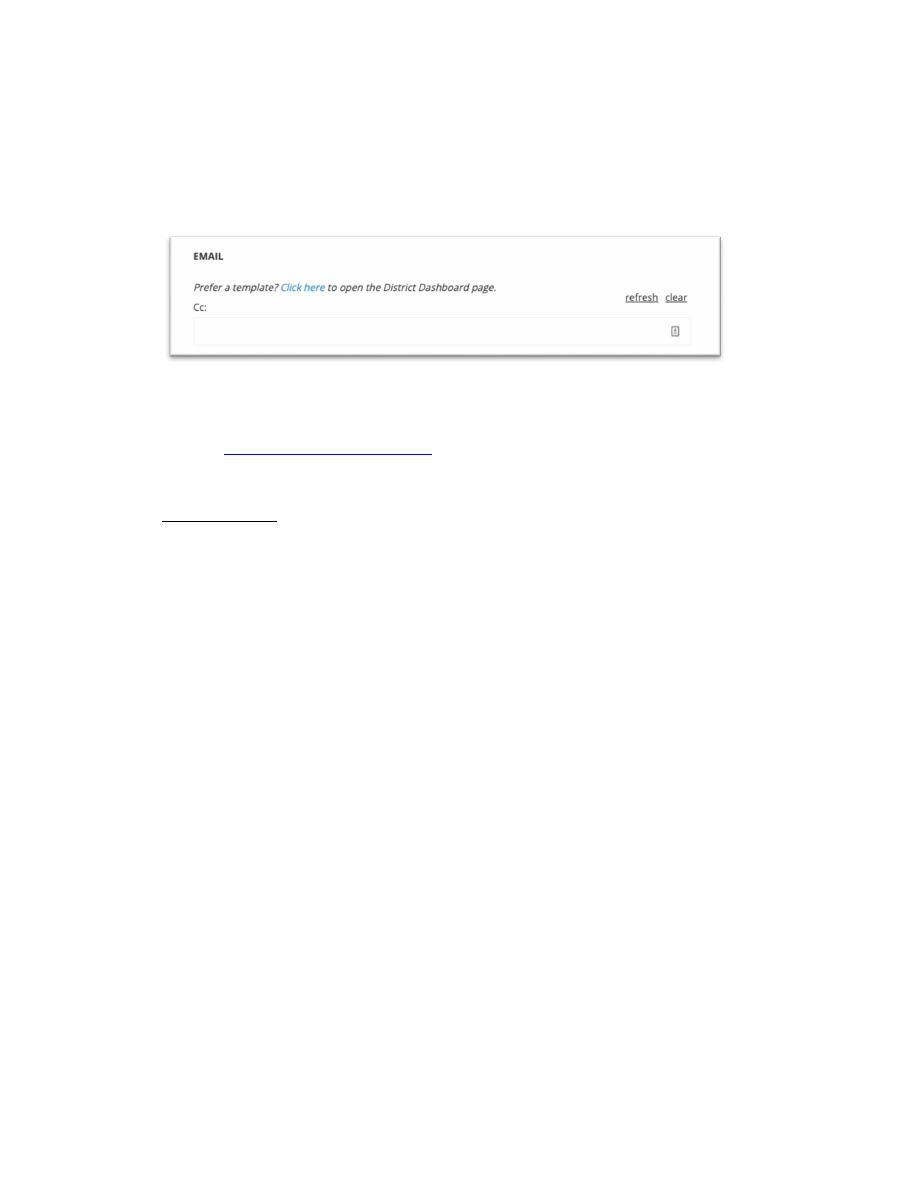 COS Data Clean-up Policy Version 1.2.1 Revised 20230404 6 Appendix: US-US Address Correction Template ● This email template is available in the District Dashboard and the Follow-up. You can quickly get to the District Dashboard by using the link in the People: User: Profile Dashboard. ● You should use the Address Correction Template if there is evidence that a supporter has a change of address. You need to confirm address changes with the supporter before any address changes are made to a supporter's account. ● See the HelpDesk KnowledgeBase for documentation on the Address Correction Template. ● When the template is used, all replies are routed to a mailbox monitored by a special team . They will: ο Add the following tag to the profile “Address Correction Template Received.” ο Make any changes required to the account. ο Document those changes in the Notes field in the User Profile Edit tab and the Profile Dashboard Notes. ο If the address is in another state, the special team must notify leadership in the new state of the change by COSAction email, taking care also to make the new state aware of any leadership roles held by the supporter.  COS Data Clean-up Policy Version 1.2.1 Revised 20230404 7 Revision History Date Description By 5/26/2020 Initial Draft Anne Aycock Review Initial Draft Seth Jeacopello Revisions Rita Dunaway Revisions Robert Kelly Review Bud Cornwell, Randy Regnier, Mike Cassidy Approval Robert Kelly 6/26/2020 Final Release – Version 1.0 Anne Aycock 2/22/2021 Release Revisions Version 1.1 Anne Aycock 3/2022 Release Revisions Version 1.2 Anne Aycock 1/9/2023 Review Martin Nolan, Anne Aycock 1/12/2023 Meeting to review COS Privacy Policy Robert Kelly, Martin Nolan, Anne Aycock 1/22/2023 Document Revision Draft Martin Nolan 1/31/2023 Review Bill Wiltschko, Mike Cassidy, Anne Aycock 3/17/2023 Approval Robert Kelly 3/21/2023 Release Revisions Version 1.2 Anne Aycock —- ====== Document Outline ====== * Introduction * General Data Cleanup Policies * Data Item Cleanup * Special Cases * Documentation * Appendix: US-US Address Correction Template * Revision History |
| Page Metadata | |
| Login Required to view? | No |
| Created: | 2023-10-30 18:43 GMT |
| Updated: | 2024-10-31 03:00 GMT |
| Published: | 2023-10-30 05:00 GMT |
| Converted: | 2025-11-11 12:28 GMT |
| Change Author: | Kristen Stanciu |
| Credit Author: | |
public/cb_mirror/data_clean_up_policy_pdf_files_22276.txt · Last modified: 2025/11/11 12:28 by 127.0.0.1